Appearance
CSV Download using the Swagger UI
You can use the Swagger UI to download a CSV file. However please note that basic auth is no longer available. You have to use the token authentication.
Authenticate in the Swagger UI
- Open the Integration Section

- Open the Section
POST /integration/token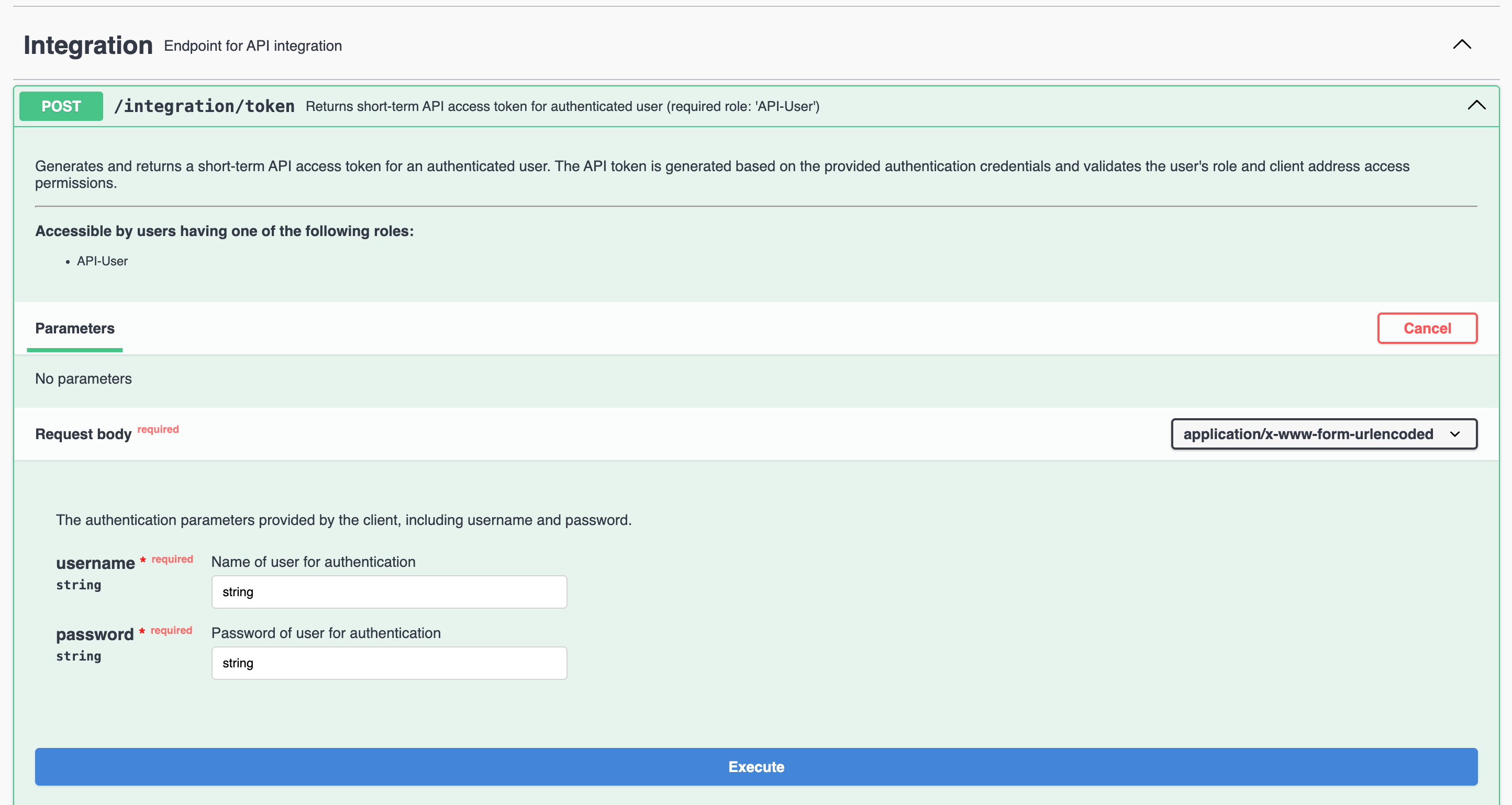
- Click
Try outto activate the input fields - Type in your
usernameand yourpassword - Click
Execute - You will receive a response with the following schema in the Sectionjson
{ "token": "*****", "user": "YOUR_USERNAME", "role": "API-User", "audiences": [ "/api/*" ], "expiration": "2025-06-16T14:00:06.991+00:00" } - Copy the value of the
tokenwithout the" - Click
Authorizein the top right of the Swagger UI. The following Modal will open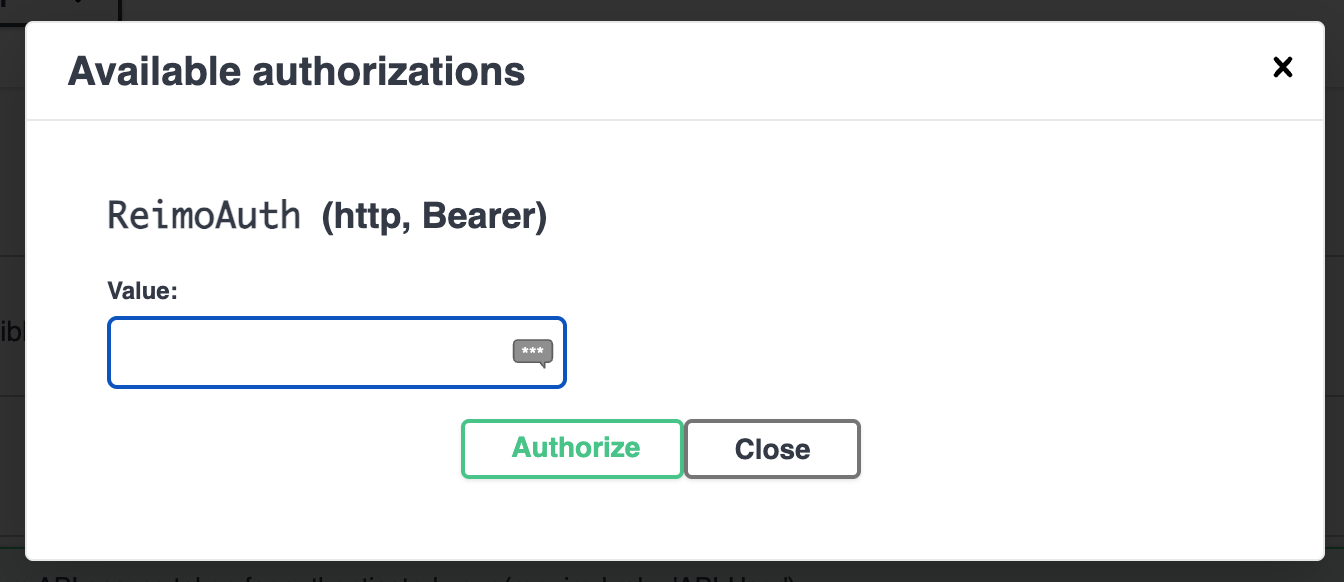
- Paste in the
tokenyou copied in Step7. - Click
Authorize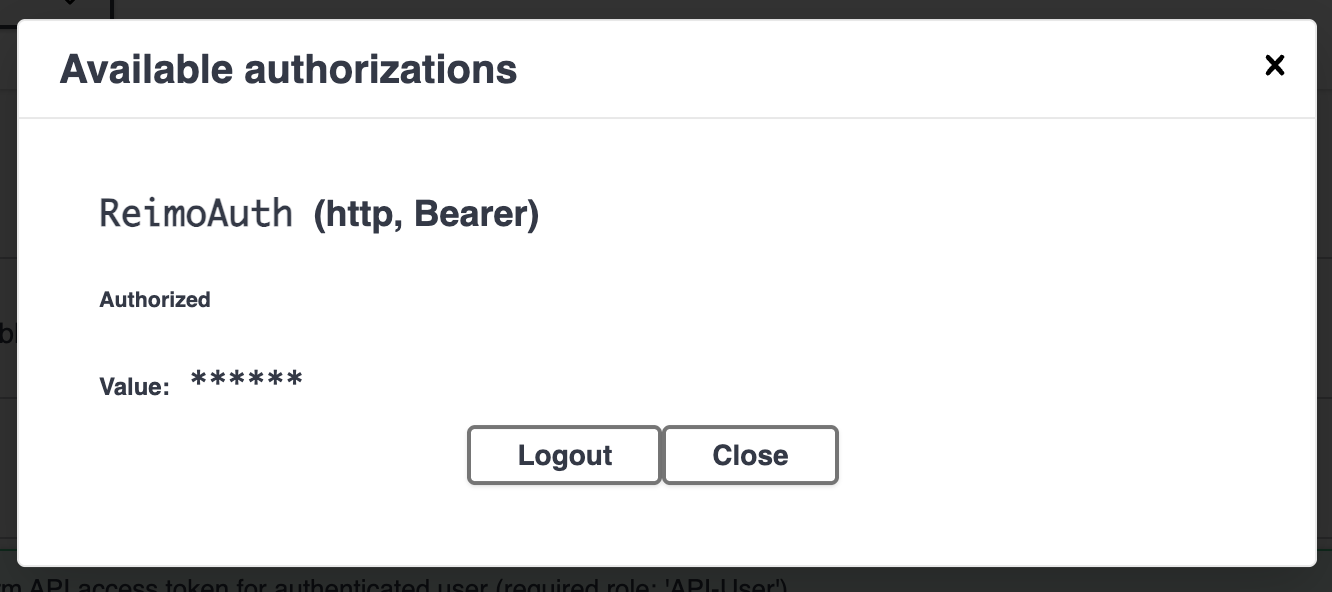
Download a file
- Go to the Section
Extranet compatibilityand open the SectionGET /extranet/rest/dealers/pricelist/csv - Click
Try out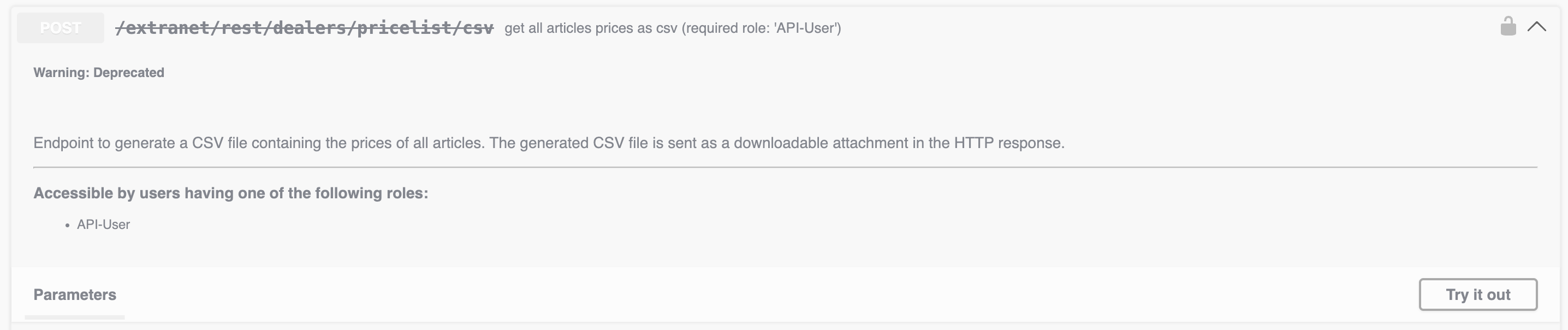
- Click
Execute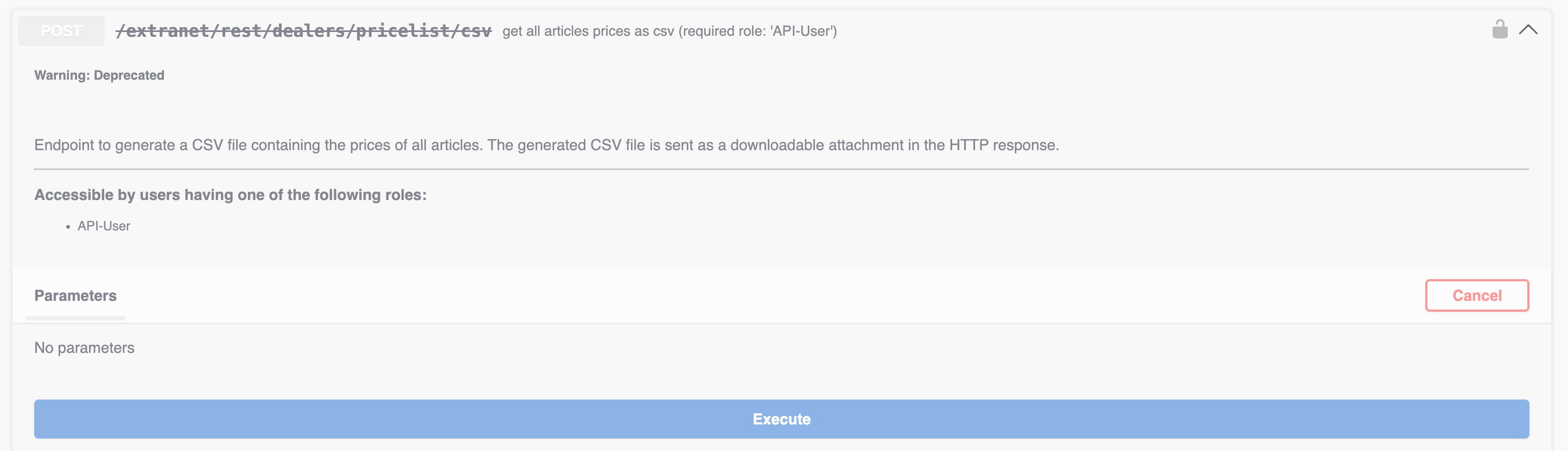
- You will receive a response that allows you to download a file. Click
Download file